
A calmer screen
for the hours
before sleep.
A softer screen as your day winds down. Explore a gentler evening with Night Light by HT, a free Windows utility.
Free to useLocal-firstMade for Windows
Meet your
evening companion.
The actual app. Your own pace.
Warmth, optional dimming, and a quick comparison with original colors. Pin the moon for a one-click toggle; open Night Light Controls for settings.
Read the setup guide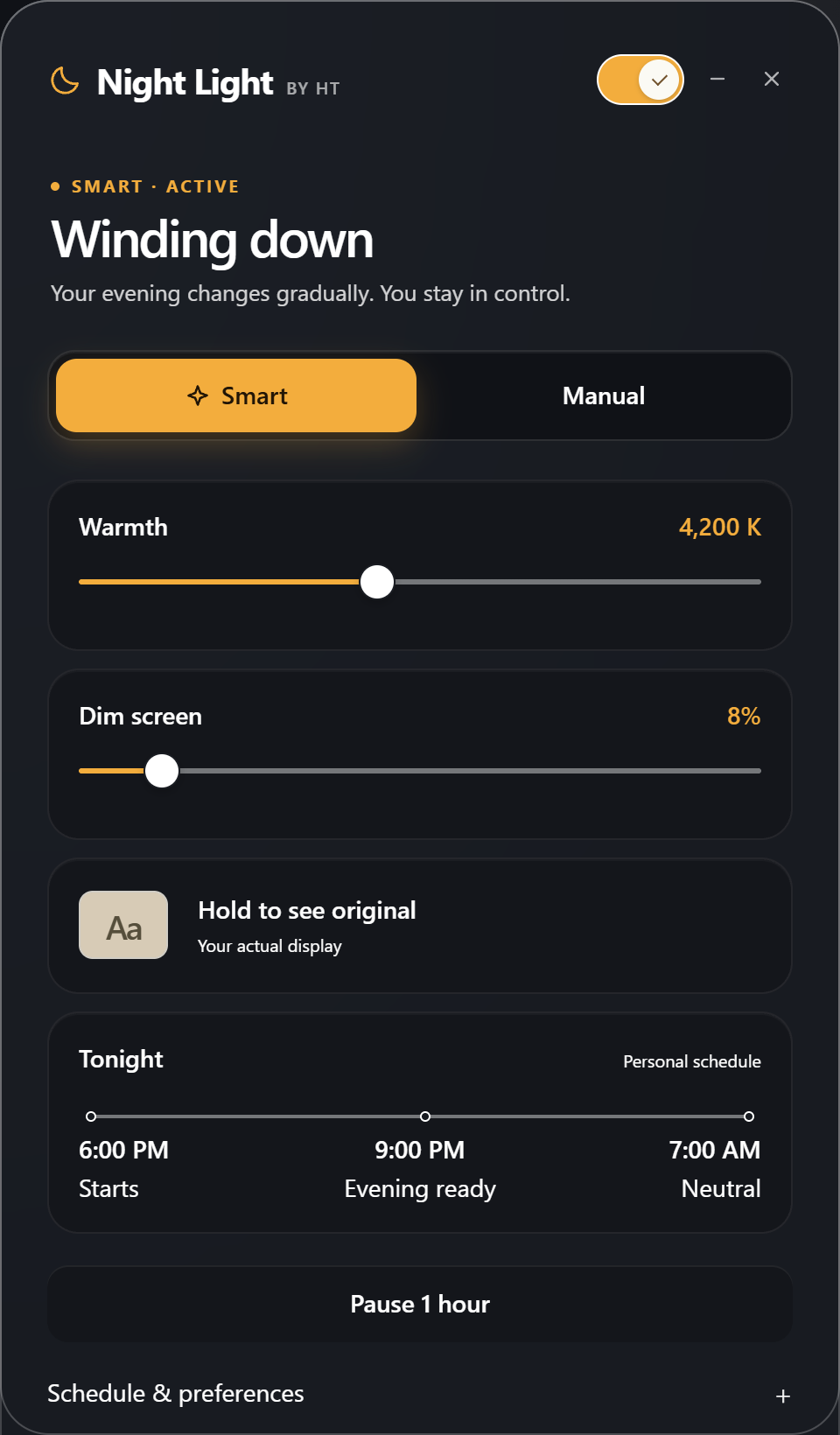
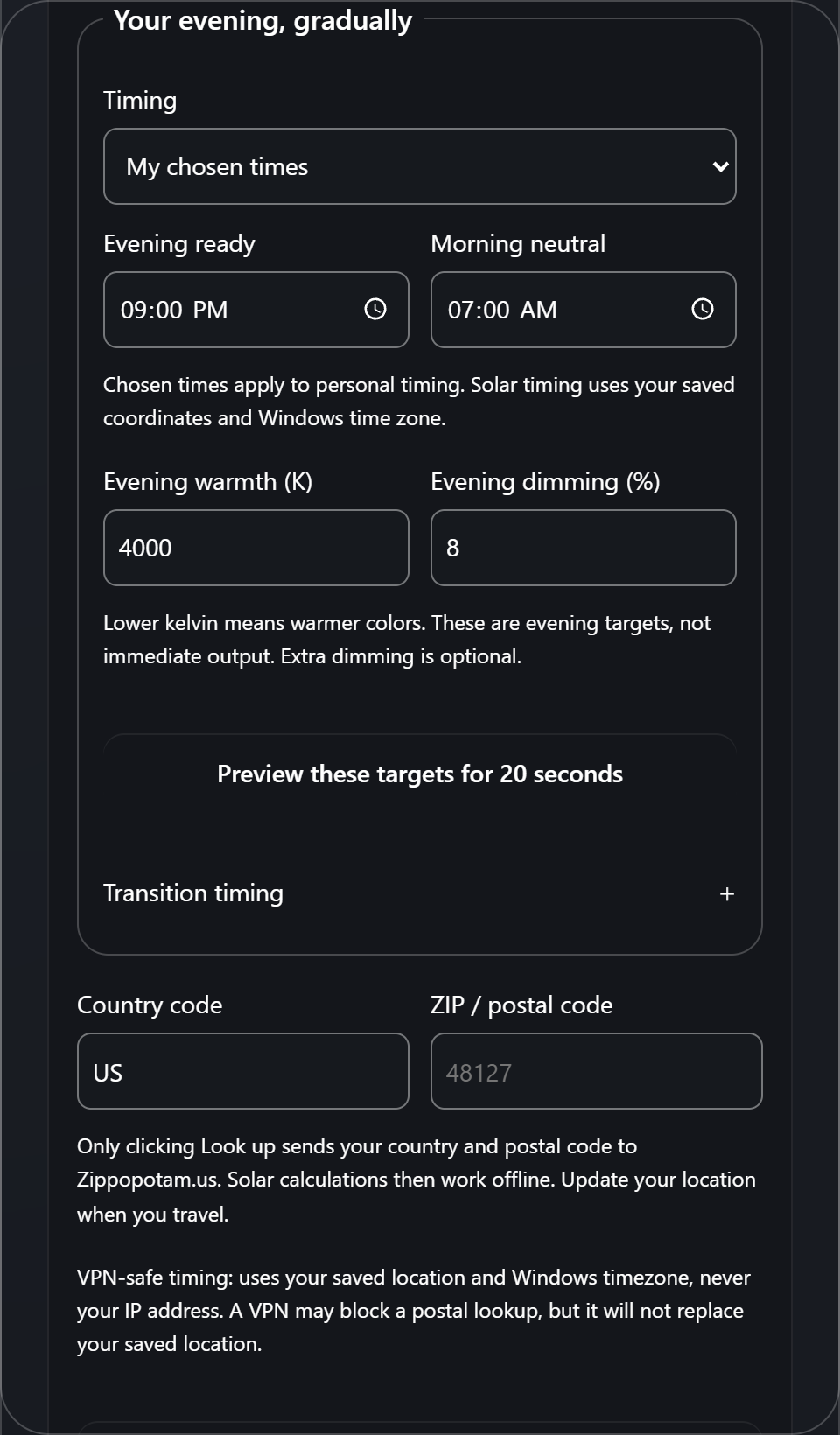
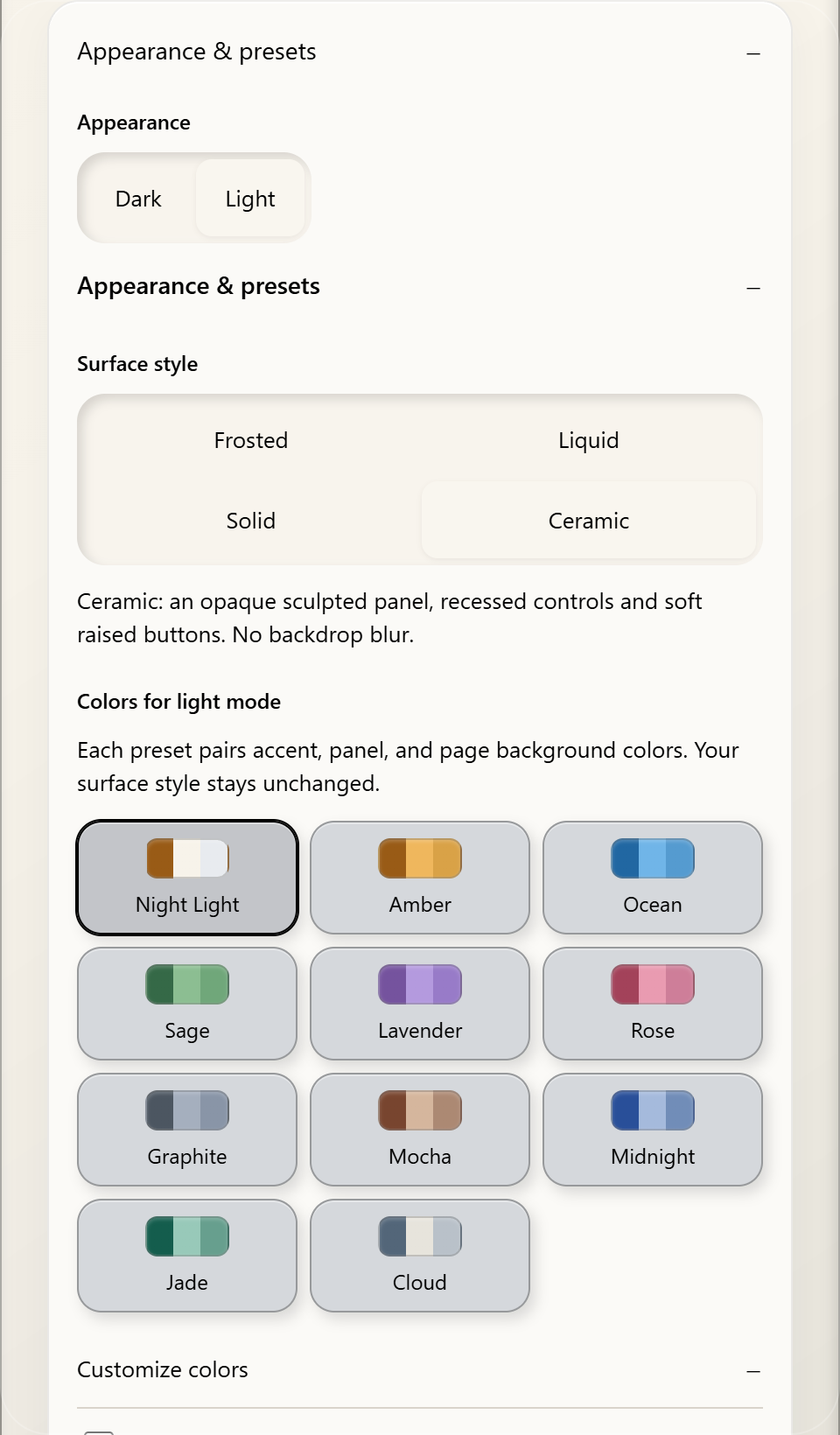
Isolated renderer captures—not a recording of your display.
One installer.
One current Night Light.
The premium interface, Smart Comfort, Manual controls and the taskbar moon ship together. There is no separate old or “simple” application download.
Windows cannot verify HassTech as this installer’s publisher. SmartScreen may warn you or block installation. Never disable Windows Security to install it.
Not comfortable installing unsigned software? Wait for the signed release.
- Installer
- NightLightSetup-0.3.0-Early-Access.exe
- Version
- 0.3.0 · Early Access
- Published
- 2026-09-22
- Size
- 20.5 MB
- Requires
- Windows 11 x64 and Microsoft Edge WebView2 Runtime
- Signature
- Unsigned — publisher not verified by Windows
- SHA-256
c93d030ff98a27e71cbff5496b1b7e15c14fe2d599b06cc9fd6a7c51d2f34633
- Download the installer only from this HassTech page.
- Follow the step-by-step installation guide, including the optional checksum check.
- Open Night Light Controls to choose Smart or Manual mode.
- Pin Night Light from Start; clicking the pinned moon turns the filter on or off.
Free, local-first and account-free. Smart timing uses a saved location and Windows timezone—not your IP or VPN location. Read the evidence and limits.
Use at your own risk. This free Early Access software is provided “as is,” without warranty. Save important work, verify the installer, and make sure you know how to turn the filter off or uninstall it. Full disclaimer and liability terms.
Installation, updates and removal
Updates use the same installer and preserve your preferences. Night Light includes an uninstaller. Startup and taskbar pinning remain your choice. Microsoft Edge WebView2 Runtime is required; setup links to Microsoft if it is missing.
Signed release: planned after the free open-source signing process is approved. This Early Access download will remain clearly distinguished from a future signed build.
Free software: Night Light is licensed under the GNU General Public License version 3 or later. You may use, study, modify, redistribute and sell it, provided you pass on the same freedoms and the source. Releases up to 0.2.0 were noncommercial source-available; that change applies from 0.3.0 onward.
A gentle curve
for a calmer evening.
Explore how warmth and dimming change a screen as the evening unfolds. The same preview follows you from the room above.
Same screen.
A calmer evening.
Original · illustrative daytime
Built for brighter
tomorrows, not paywalls.
A free, local-first tool. Built with care, and room to keep learning.
I started Night Light by HT to make credible, easy-to-use tools more accessible. Keeping it free is a choice—and a commitment to curiosity, care, and a healthier, more focused tomorrow.
A little light.
A closer look at the evidence.
Plain-language research, the choices it informs, and what it cannot tell us.
01Light timingWhy does light timing matter?
How it informed the product
Supports using local sunset as a gradual timing anchor, not an abrupt bedtime switch.
Entrainment of the human circadian clock to the natural light-dark cycle · Wright et al., 2013
What it suggests
A week of natural light exposure shifted circadian timing earlier and reduced the gap between biological night and the outdoor light-dark cycle.
Read the evidence and limits02Individual responseDoes everyone respond the same way?
How it informed the product
Why strength remains adjustable and Smart Mode is guidance rather than a universal prescription.
High sensitivity and interindividual variability in the response of the human circadian system to evening light · Phillips et al., 2019
What it suggests
People vary substantially in their circadian sensitivity to evening light.
Read the evidence and limits03Melanopic EDIWhat changes from day to night?
How it informed the product
Keeps the project focused on biologically relevant light measures instead of color temperature alone.
Recommendations for daytime, evening, and nighttime indoor light exposure to best support physiology, sleep, and wakefulness in healthy adults · Brown et al., 2022
What it suggests
Expert consensus recommends melanopic equivalent daylight illuminance for describing light relevant to the human circadian system.
Read the evidence and limits04Display spectrumIs a warmer screen enough?
How it informed the product
Why Night Light by HT pairs warmth with software dimming instead of relying on an orange tint alone.
Does iPad Night Shift mitigate melatonin suppression? · Nagare et al., 2019
What it suggests
Changing display color temperature alone did not eliminate melatonin suppression in the tested conditions; brightness and duration also matter.
Read the evidence and limits05Light timingWhat about the light around you?
How it informed the product
A reminder that a display tool is only one part of a lower-light evening environment.
Exposure to room light before bedtime suppresses melatonin onset and shortens melatonin duration in humans · Gooley et al., 2011
What it suggests
Ordinary room light before bedtime delayed melatonin onset and shortened its duration compared with dim light.
Read the evidence and limits06Display spectrumWhy do brightness and spectrum both matter?
How it informed the product
Supports device-aware testing and transparent limits instead of promising one setting works everywhere.
Melanopic irradiance defines the impact of evening display light on sleep latency, melatonin and alertness · Schöllhorn et al., 2023
What it suggests
In controlled display conditions, lower melanopic irradiance shortened sleep latency and attenuated evening melatonin suppression compared with higher melanopic irradiance.
Read the evidence and limitsUseful tool. Honest limits.
Night Light by HT is a general wellness tool, not a medical product. It is designed to support healthier screen habits, not to diagnose, treat, cure, or prevent any condition.
Read the full evidence boundaryKeep the nights calm.
Keep the project free.
Checkout details
Choose any amount. Buy Me a Coffee handles payment in its secure checkout. No account, subscription, or contribution is required to use Night Light.

A calmer evening.
A brighter tomorrow.
Thoughtful tools for the time you spend at your screen.