
Local intelligence.
Naturally yours.
Your models. Your machine. One open interface.
One ecosystem.
A clear path.
From local models to real applications.



Find a fit.
Compare model options and runtime requirements in Marketplace.
Explore the catalog 02 · Make it localUse your hardware.
Manage the model and check your workstation’s readiness in HT Studio.
Explore the runner 03 · Connect your workBuild something useful.
Connect an app or agent through the local API. Talk through an integration.
Talk about an integrationLess infrastructure.
More room to build.
A small control plane for the heavy work of local AI.
HT Studio manages a native llama.cpp engine, model inventory, and workstation readiness. Your application talks to one familiar interface instead of managing every model-specific detail.
It’s the runtime—not a marketplace or a bundled collection of model weights. The models and dependencies live on your machine.
See what’s
actually running.
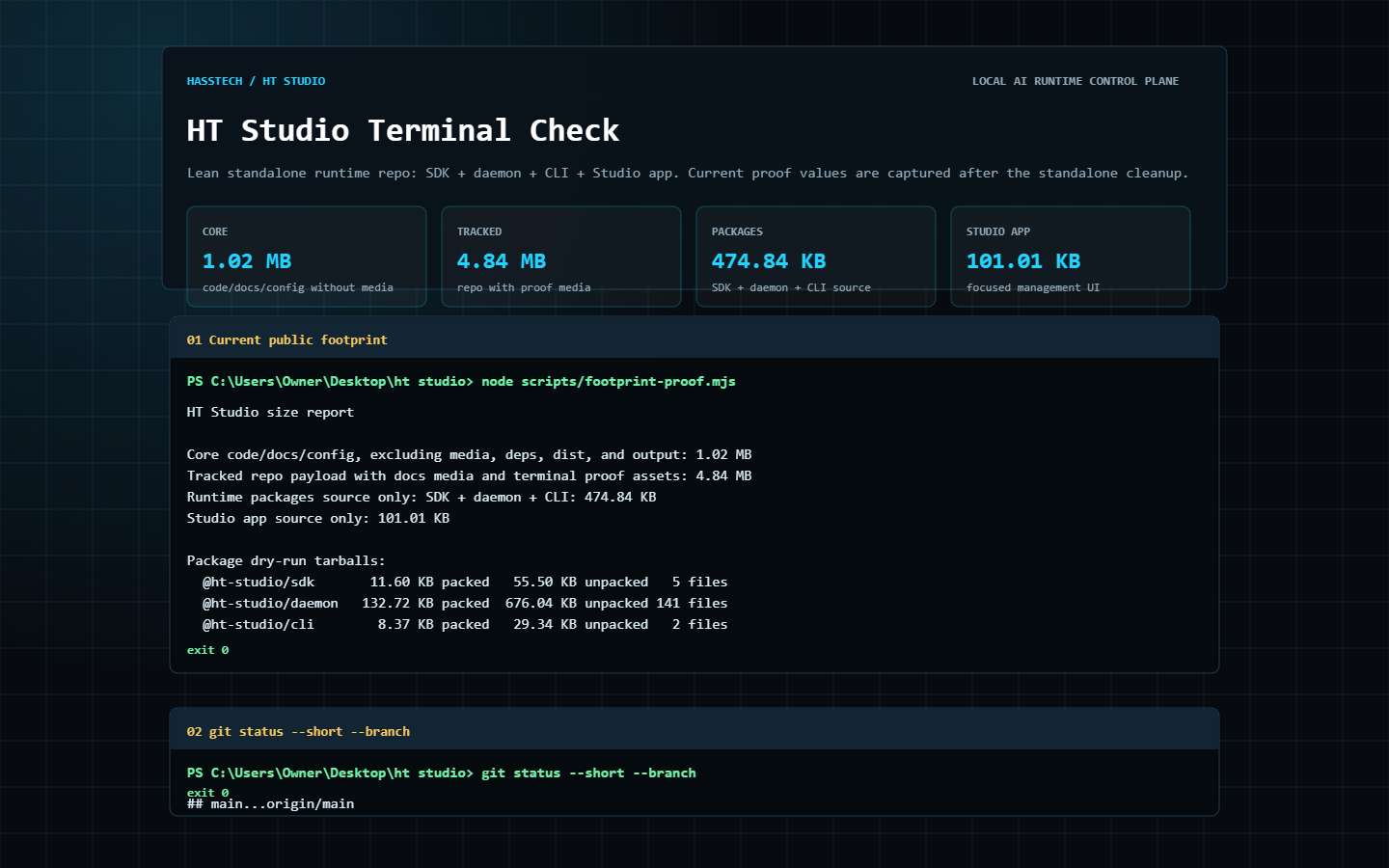
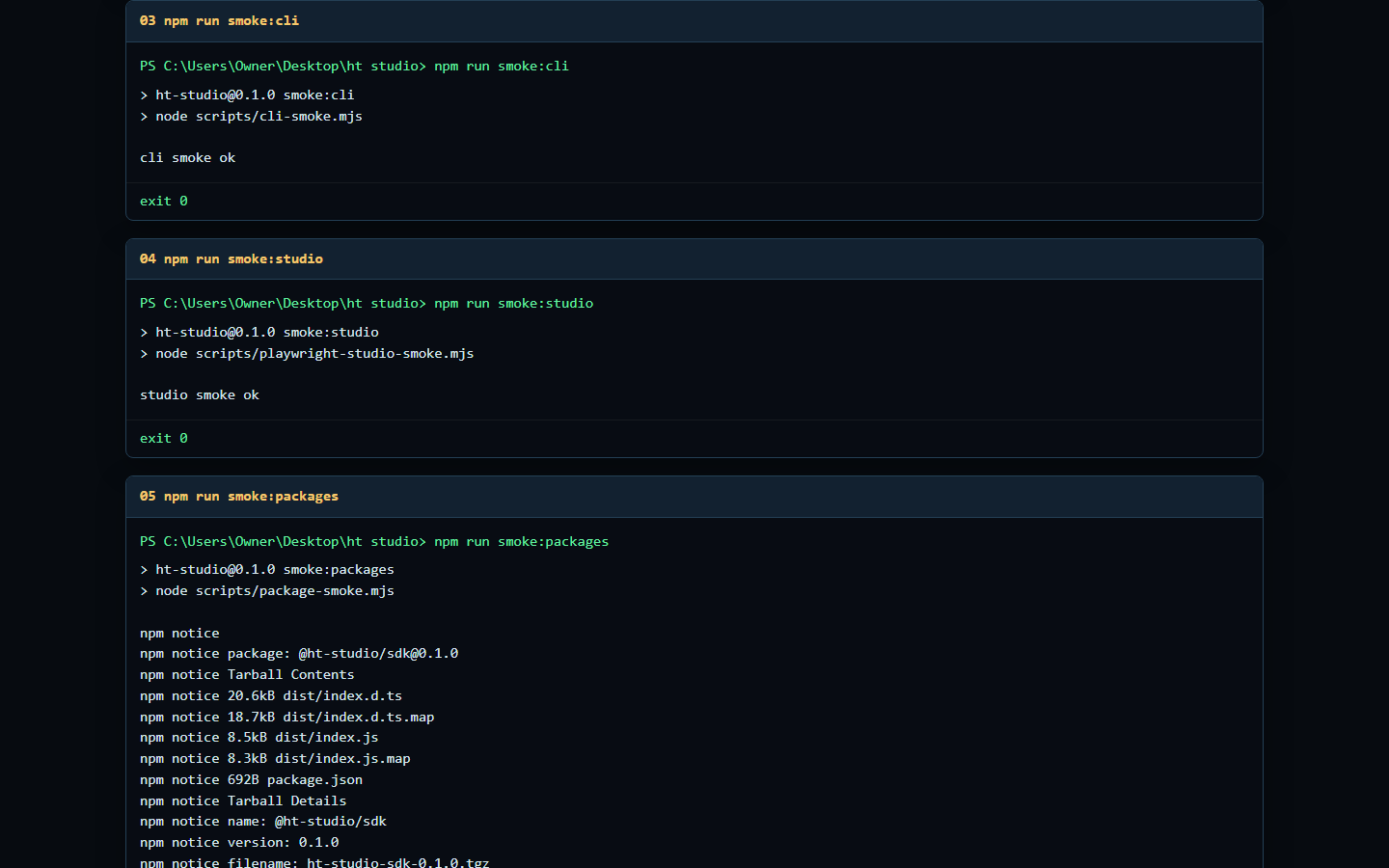
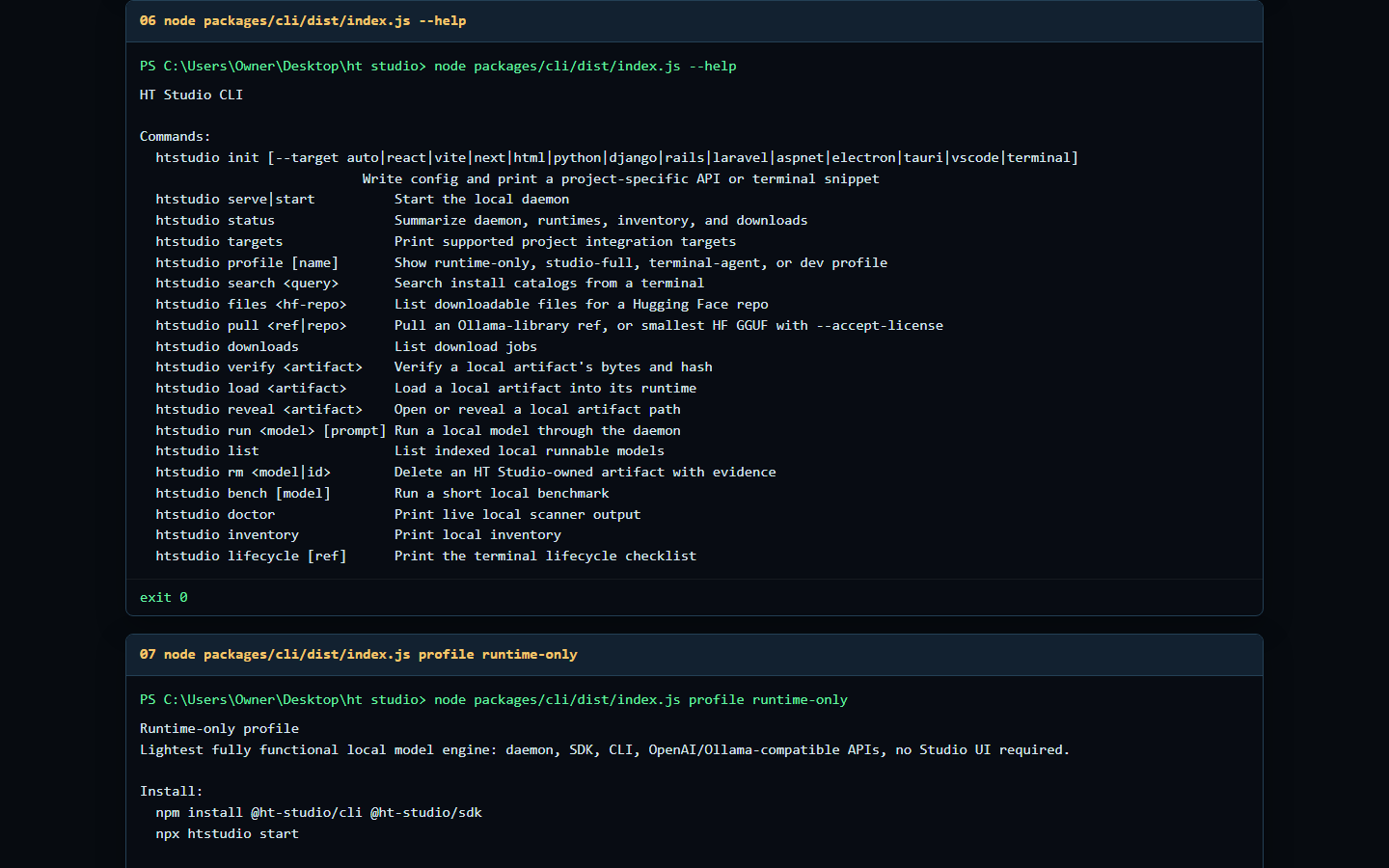
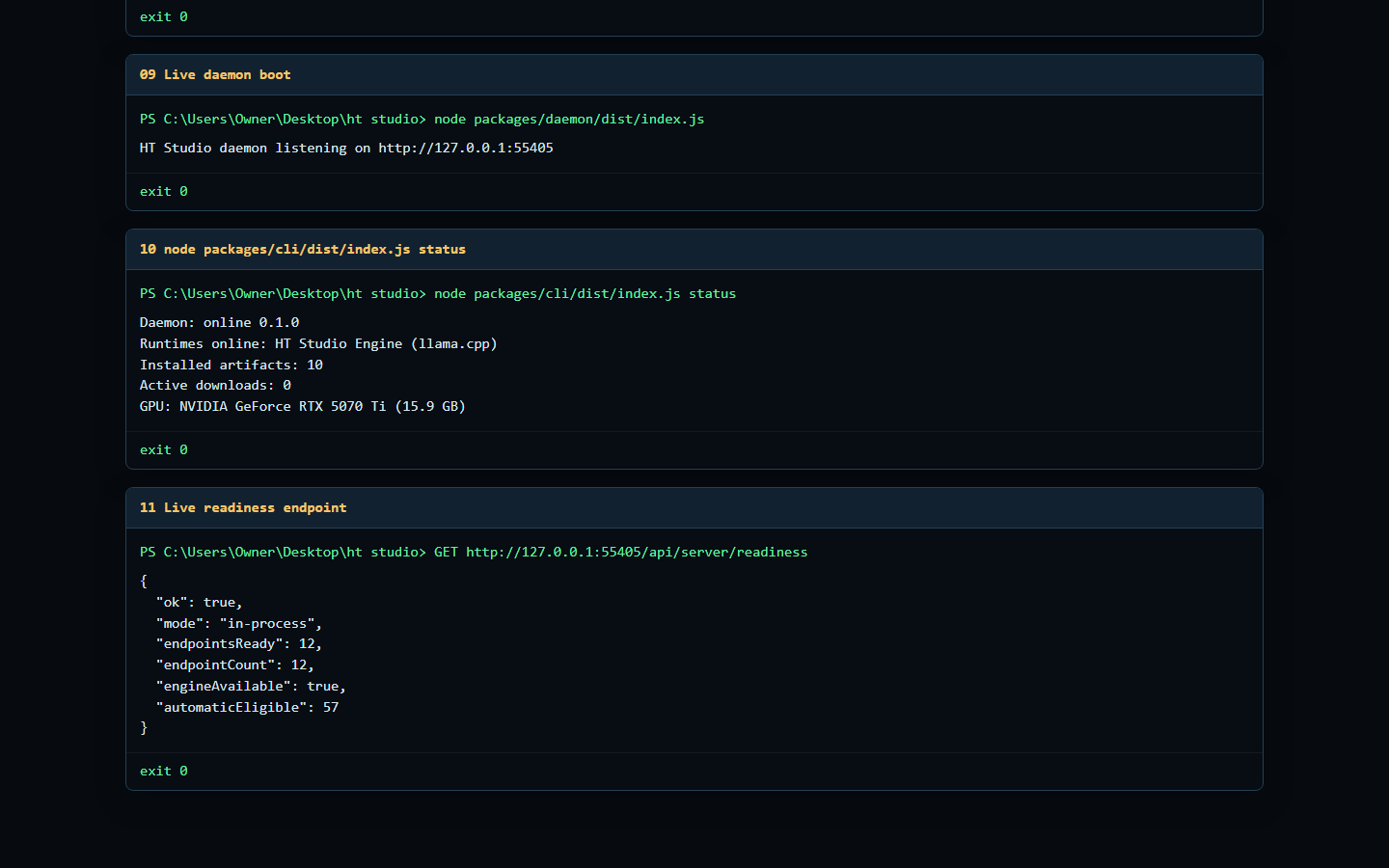
Real terminal capture from the standalone build. Play it when you’re ready.
Recorded build evidence · June 2026 · not a live session on your computer
Keep models close.
A warm set supports switching between models without starting a fresh runtime for every request.
Work with your hardware.
Hardware-aware launch settings and CPU offload support models that don’t fit entirely in GPU memory.
Make the connection.
Use the local OpenAI-compatible endpoint or typed SDK. The default runtime path stays on the workstation.
A familiar interface.
A local foundation.
Connect an app, agent, or tool without giving it responsibility for the entire runtime.
- Start your runtime.
htstudio serve - Check local readiness.
htstudio status - Connect through the local API.
http://127.0.0.1:3001/v1 - Use the SDK for typed daemon calls.
Read the source and integration docs
Small enough to inspect.
Open enough to trust.
Keep the beautiful presentation separate from the evidence. Inspect the captured output and the source behind it.
Inspect the build footprint Source, not model weights
| Scope | Recorded size | What it includes |
|---|---|---|
| Core code, docs & config | 1.02 MB | Excludes media, dependencies, dist and output |
| Runtime packages source | 474.84 KB | SDK, daemon and CLI |
| Studio app source | 101.01 KB | Focused management interface |
| Tracked with proof media | 4.84 MB | Repository payload with screenshots and video |
Open the evidence gallery 4 original captures
Your next idea.
Powered by your machine.
Explore the open source, or talk with Hass about bringing local AI into your workflow.